




Many users have encountered this frustration: the AirPods charging case always beeps at the most inopportune moments. In the quiet of an office meeting or while working late at night, the sudden, piercing beep is unbearable. The evolution of AirPods introduced these complex notification systems, initially intended to enhance overall functionality. However, once these notifications malfunction, they quickly transform from a useful feature into an annoying burden in daily life. Understanding the logic behind these notifications is crucial to effectively turning them off and restoring the audio device to normal operation.
 Common causes of beeping sounds in AirPods
Starting with the second-generation AirPods Pro , Apple introduced a built-in bottom speaker and the U1 chip. This hardware upgrade was intended to assist in the accurate tracking of the "Find My AirPods" network and provide audible status alerts. These accurate tracking features rely on complex internal sensors, which occasionally malfunction , resulting in the beeping sound .
Low battery
Extremely low battery is the most common trigger, and the device will emit a warning sound before shutting down completely. This alarm system prevents you from leaving home with an audio device that has run out of power.
Charging abnormality
A significant reason why AirPods fail to charge in the charging case is that tiny debris clogs the metal contacts. Dust and lint from pockets account for nearly 40% of partial charging failures. Even a tiny speck of dust can interrupt the current and trigger an error sound. A loose or damaged hinge on the earbud case can also prevent the earbuds from fitting properly, thus preventing charging from starting. A unique sound will be emitted if the earbuds are separated from their owner for an extended period and the Find My Device network detects movement.
Bluetooth first pairing
You will also hear standard beep codes during the initial Bluetooth pairing process or when performing a manual factory reset. These beep codes are often mistaken by inexperienced users as a hardware malfunction.
Backend update
Firmware vulnerabilities introduced during automatic background updates can also lead to unexpected audio notifications. Sometimes, the communication protocol between the earbuds and the charging case loses synchronization, triggering a continuous loop of notification sounds. Checking community forums can often reveal whether a recent software update is causing the numerous user complaints about the notification sounds. These widespread issues usually resolve themselves with a simple software patch.
Extreme environmental impacts
Environmental factors such as extreme humidity or sudden temperature changes can sometimes trigger false alarms from hardware. These internal sensors are highly sensitive and may misinterpret condensation as a liquid damage threat. Identifying the specific pattern of the alarm tone is crucial for diagnosing which hardware or software system triggered the alarm. Careful observation of the indicator lights next to the alarm tone can provide valuable diagnostic clues.
AirPods buzzer malfunction solution
Resolving these alerts requires systematically ruling out power, software, and physical connection errors , addressing the problem step by step from these three perspectives .
Power supply
Learn to use the iOS Battery widget on your Home Screen to check the battery level of your AirPods charging case. You can also bring the charging case lid close to an unlocked iPhone to see an animated pop-up window displaying the current battery level. Checking the battery status can greatly reduce the embarrassing situation of hearing a beep when the battery is low .
Physical connection
If the power source is sufficient, you must thoroughly inspect the charging contacts inside your AirPods, removing dust, dirt, or lint from the pocket. Carefully clean these deep metal contacts using a dry cotton swab or soft-bristled brush to restore a stable electrical connection. Never use liquid cleaners or sharp metal objects, as these can permanently damage the delicate charging pins. Regular cleaning prevents the buildup of insulating debris, which can interfere with the charging process.
System Settings
You can manually turn off these specific hardware sounds directly in System Preferences. Go to iOS Settings, tap your device name, and then turn off the "Enable charging case sound" option. This will immediately eliminate the noise, making it easier to investigate the root cause of hardware or connectivity issues. Turning off the sound won't solve the underlying problem, but it will prevent annoying interruptions.
Firmware update check
For users experiencing persistent issues, checking for the latest firmware updates is a crucial troubleshooting step. Insert the headphones into your AirPods, connect them to a power source, and place them near a connected iPhone. The system will automatically download and install any pending background updates, which may include notification bug fixes. Ensure your phone is connected to Wi-Fi for a smooth and quick software update process.
Factory reset
If the software issue persists after cleaning and adjusting settings, you must perform a complete unpairing and factory reset. Press and hold the Settings button on the back of your AirPods until the status indicator flashes amber and then turns white. Reconnect your AirPods to your phone and see if the new software pairing resolves the ghosting sound issue. This process will erase all custom settings and establish a new connection protocol.
How to prevent the abnormal beeping sound of AirPods from recurring?
Regular maintenance is crucial for extending the lifespan of your audio equipment. Wiping down the inside and outside surfaces weekly prevents dirt buildup and avoids affecting the magnetic closure of the top cover. Combining effective physical protection with regular cleaning ensures years of reliable and uninterrupted AirPods use . Just a few seconds of preventative maintenance can save you from expensive hardware replacements later.
Avoiding extreme temperatures and high humidity environments further protects internal precision sensors and prevents false alarms. Storing audio equipment in dedicated pockets or compartments prevents dust accumulation and accidental scratches. These simple daily habits can significantly reduce the probability of unexpected hardware failures. Taking good care of your high-end audio equipment ensures it remains perfectly functional and operates silently when not in use.
In addition, physical impacts and loose hinges are the main reasons why the charging case fails to close properly over time. This structural defect can lead to frequent disconnections, interrupted charging cycles, and annoying beeping alarms. Ensuring the headphone case closes securely and avoiding everyday impacts is the most effective preventative measure. A structurally sound headphone case ensures that the internal charging contacts always maintain contact with the headphones.
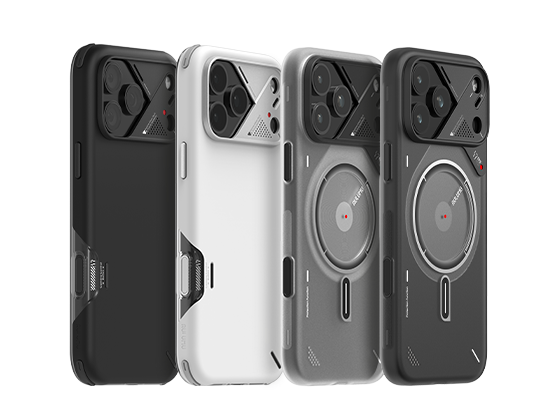
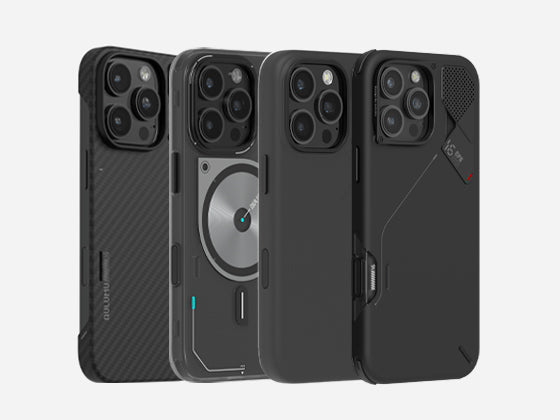
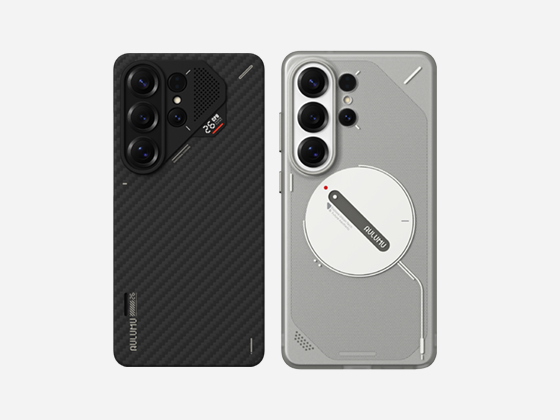
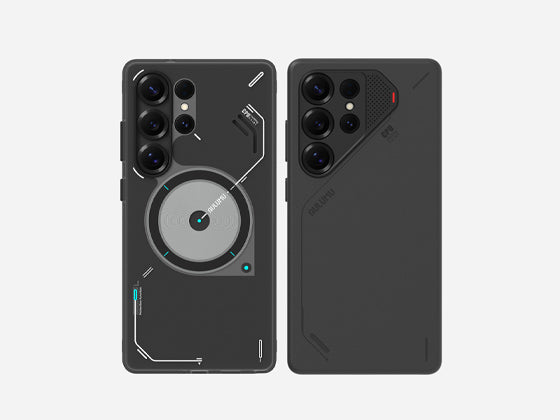
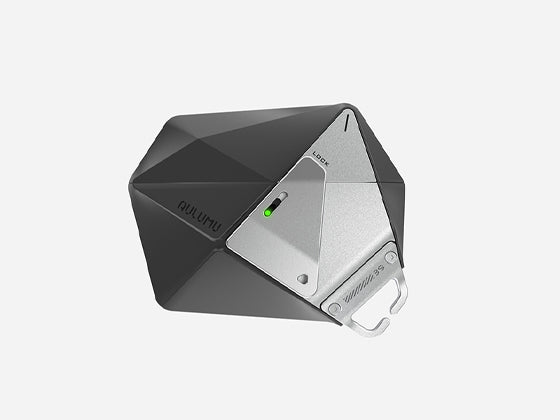
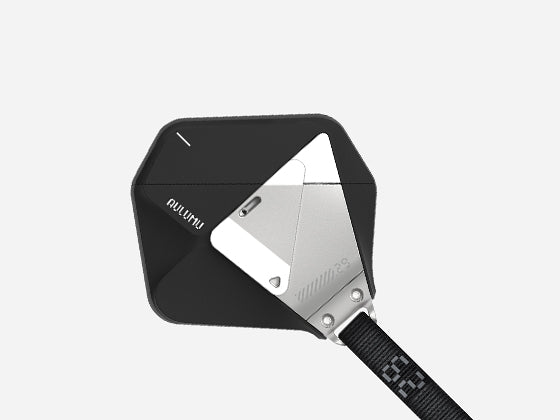
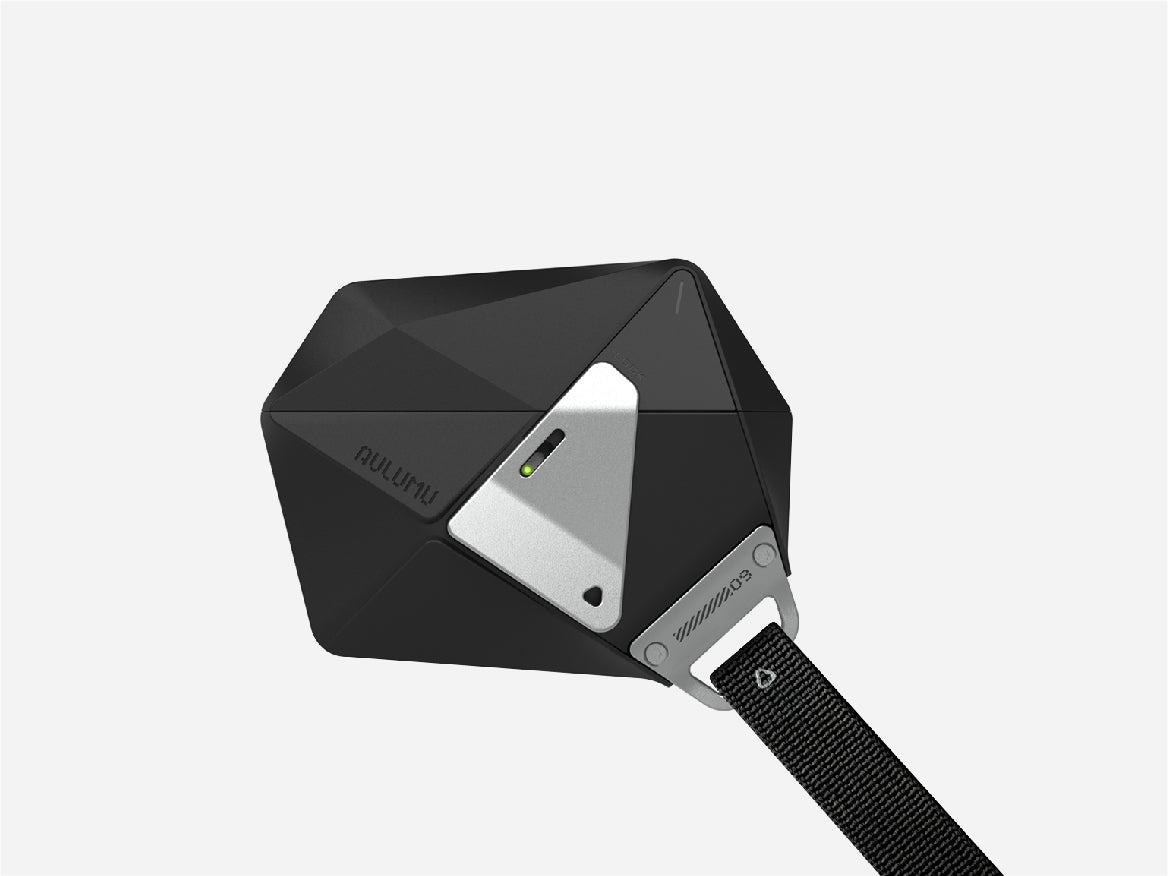
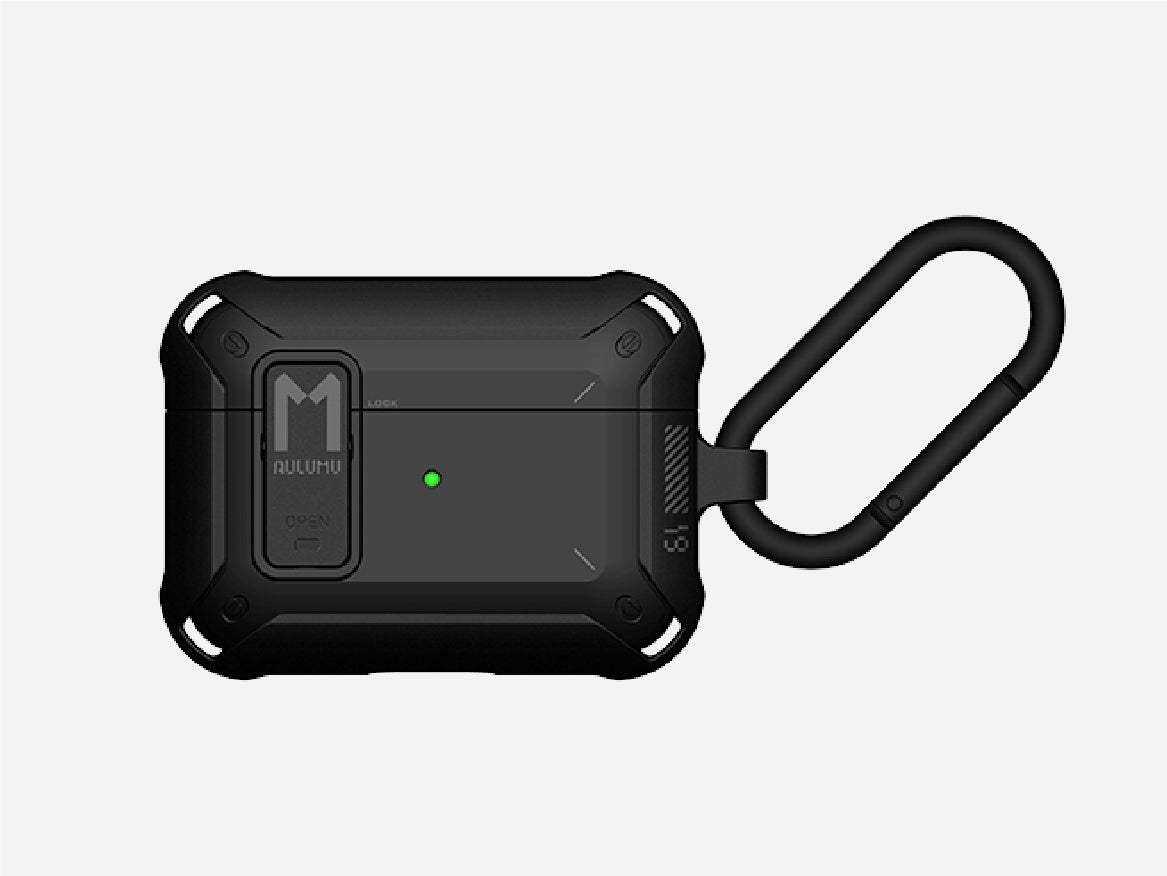
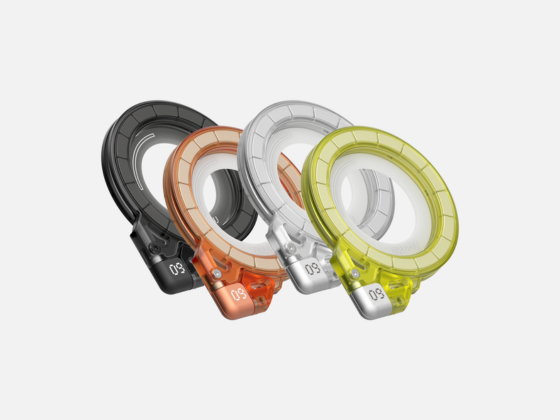
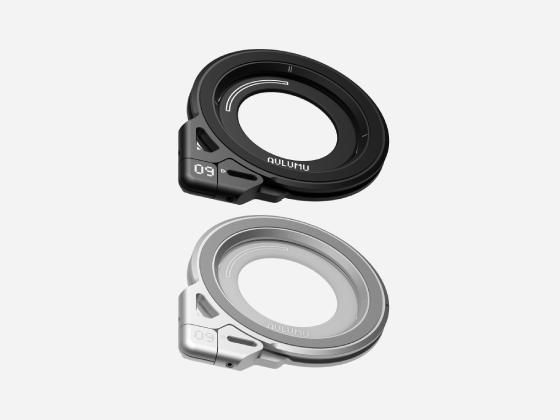
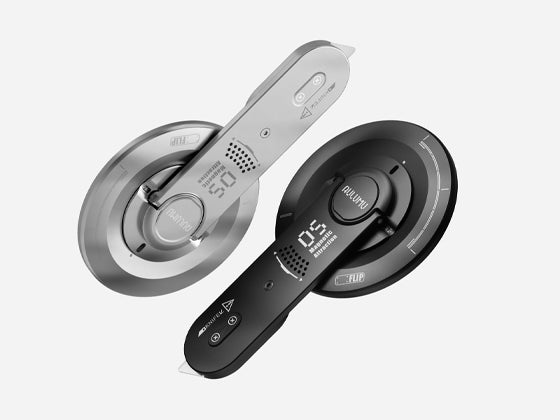
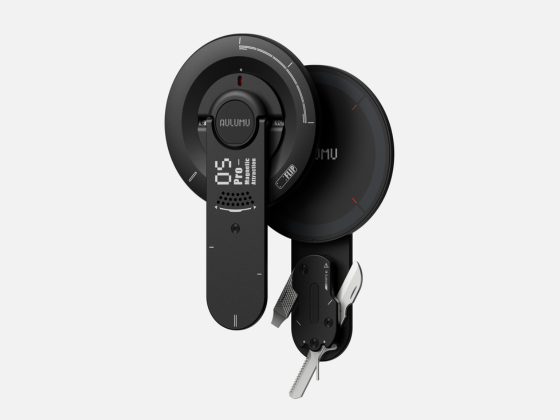
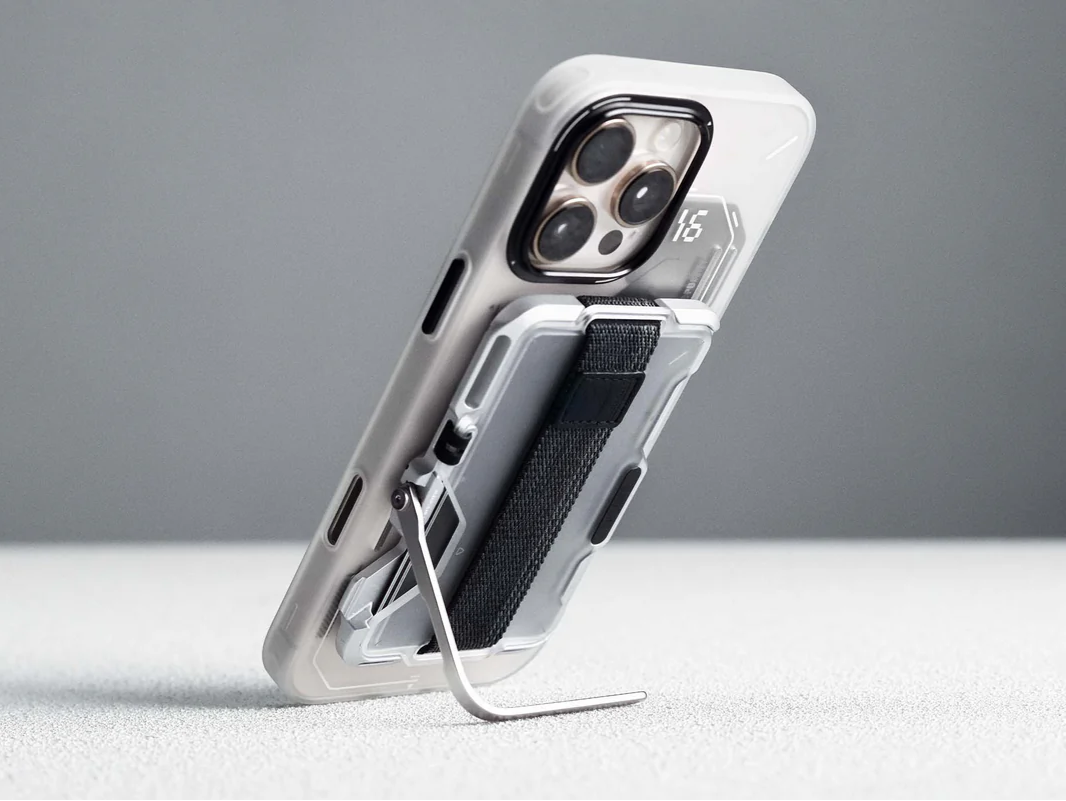
Choosing a high-end, rugged AirPods case like the Aulumu Geometric series is the best protection option. The innovative zinc alloy locking design ensures the case stays firmly closed even under heavy impact, preventing the earbuds from falling out. The reinforced shock-absorbing TPU shell protects the internal delicate components while precisely positioning openings for speaker vents and indicator lights. This superior protection effectively prevents physical damage, thus avoiding internal sensor malfunctions.
 Conclusion
While devices that constantly emit beeps can severely disrupt your daily life, they are also a crucial diagnostic tool. These audible alarms are designed to alert you to potential battery, charging, or location tracking issues, preventing problems before they arise. Identifying the specific trigger allows you to take immediate corrective action. Performing these simple troubleshooting steps ensures a smooth, quiet, and highly reliable listening experience every time.